Toast
gluestack-ui Toast component for React Native lets you show toast messages effortlessly. Improve your Toast component with flexible placement, duration, and actions. This is an illustration of Toast component.action
variant
Installation
Run the following command:
npx gluestack-ui@alpha add toastAPI Reference
To use this component in your project, include the following import statement in your file.import { useToast, Toast } from '@/components/ui/toast';
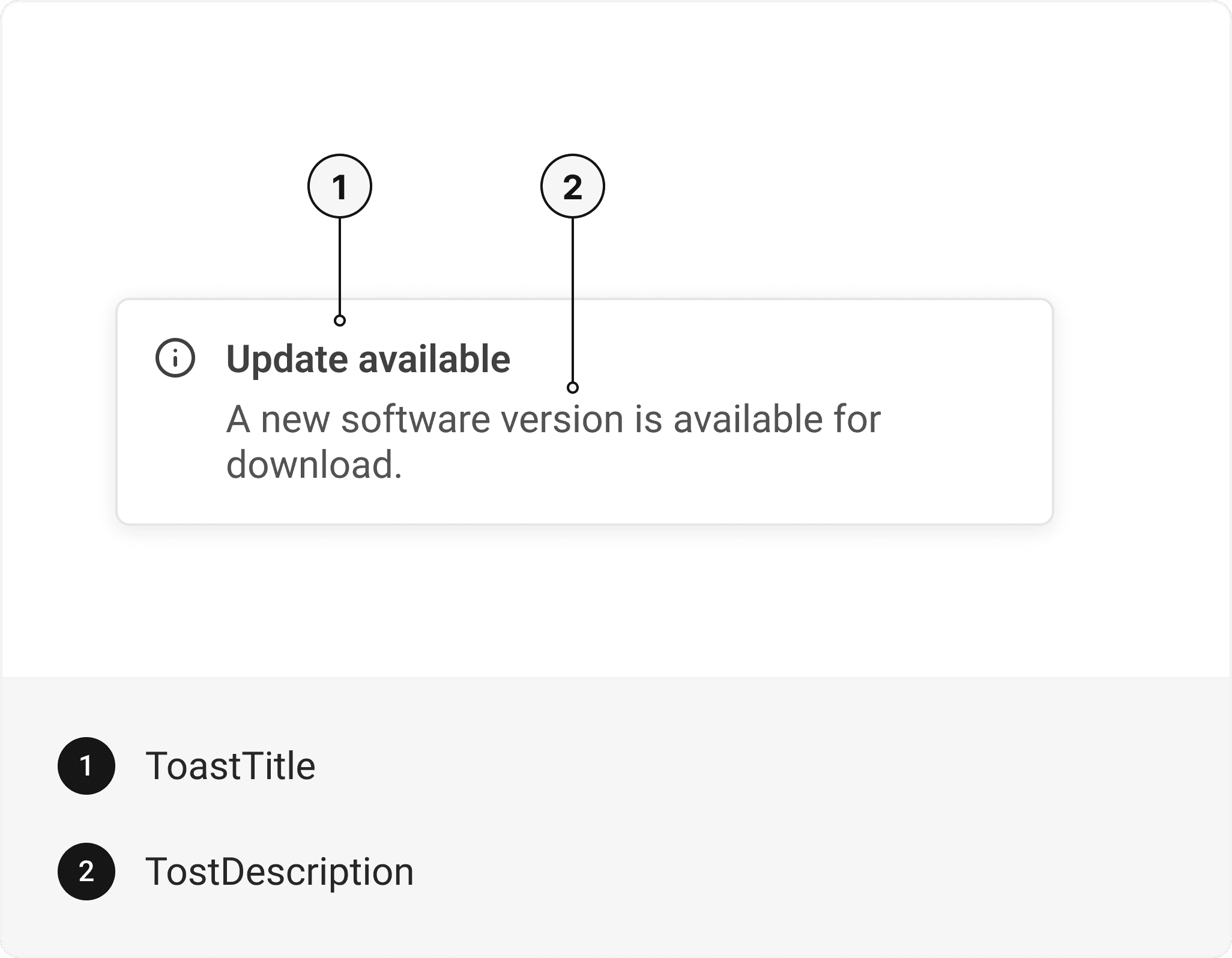
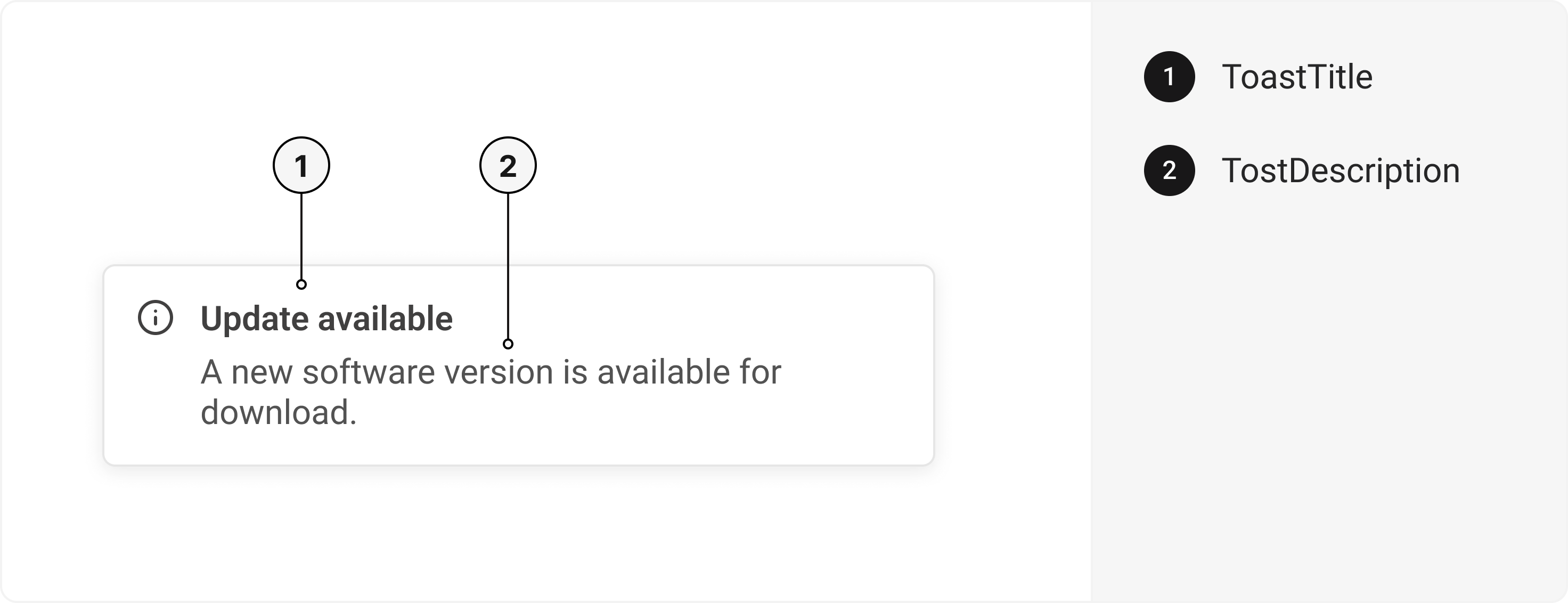
export default () => (
  <Toast>
    <ToastTitle />
    <ToastDescription />
  </Toast>
);
Component Props
This section provides a comprehensive reference list for the component props, detailing descriptions, properties, types, and default behavior for easy project integration.Toast
It inherits all the properties of React Native'sView
component.
| Prop | Type | Default | Description |
|---|---|---|---|
duration | number or null | 5000 | The delay before the toast hides (in milliseconds). If set to null, toast will never dismiss. |
onCloseComplete | ()=> | - | Callback function to run side effects after the toast has closed. |
placement | 'top'| 'top right' | 'top left' | 'bottom' | 'bottom left' | 'bottom right' | bottom | Position of toast on the web page. |
render?: (props: any) | ReactNode | - | Renders a toast component |
avoidKeyboard | bool | false | If true and the keyboard is opened, the Toast will move up equivalent to the keyboard height. |
containerStyle | ViewStyle | - | Container style object for the toast. |
ToastTitle
Contains all Text related layout style props and actions. It inherits all the properties of React Native'sText
component.
ToastDescription
Contains all Text related layout style props and actions. It inherits all the properties of React Native'sText
component.
Accessibility
We have outlined the various features that ensure the Toast component is accessible to all users, including those with disabilities. These features help ensure that your application is inclusive and meets accessibility standards.Adheres to theWAI-ARIA design pattern
.
Keyboard
- Tab + Enter: Triggers the toast's action.
Screen Reader
- VoiceOver: When the toast is focused, the screen reader will announce the toast's title.
Props
Toast component is created using View component from react-native. It extends all the props supported byReact Native View
and the props mentioned below.
Toast
| Name | Value | Default |
|---|---|---|
action | error | warning | success | info | muted | muted |
variant | solid | outline | solid |
Examples
The Examples section provides visual representations of the different variants of the component, allowing you to quickly and easily determine which one best fits your needs. Simply copy the code and integrate it into your project.Toast in note talking platform
Social media notification
Software update toast
Message sent toast
Edit this page on GitHub